

Illustrative sermon note
Finding peace in the waiting
Scripture reference · Psalm 46
Reflection
What would it look like to pause before reaching for the next thing? Return to the passage and write one thought you want to carry into the week.
Sermon notes · Bible study · Devotion
Record a sermon, revisit its key points, and keep your notes beside the Scripture you’re studying.
iOS & Android
“Be still, and know that I am God.”
App screens
iOS & Android


Sermon notes
Stay with the message while BibleCore records. When you’re ready, turn your recording or imported audio into notes you can revisit.
Illustrative sermon note
Scripture reference · Psalm 46
Reflection
What would it look like to pause before reaching for the next thing? Return to the passage and write one thought you want to carry into the week.
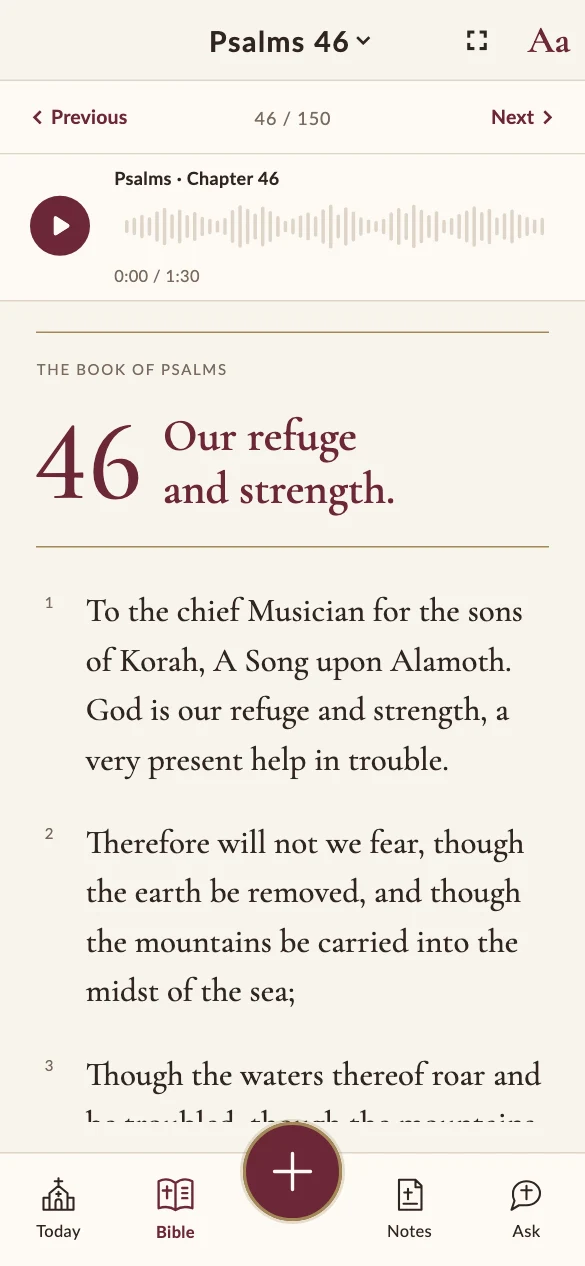
Read Scripture
Read or listen to Scripture, then save a verse or write down what stayed with you.

Daily devotion
Start with a daily verse, follow a short devotional plan, and make time for prayer and reflection at your own pace.
AI study tools
Optional AI tools sit beside your own reading. Use them to look closer at a passage, then check what they say against Scripture.
AI features need a connection. Compare AI output with Scripture and your own recording.
iOS & Android
Get in touch with questions about BibleCore.
FAQ
You can read and make notes as a guest. Link Google or Apple when you want to sync your notes across devices.
Included Bible translations and notes saved on your device are available offline. AI processing, syncing, and creating online share links require a connection.
Recordings stay on your device until you choose an online action such as AI processing or backup. Check AI output against Scripture and your recording.
Export a file or create a link to a selected text snapshot. You can set the link to expire or revoke it from the app.